

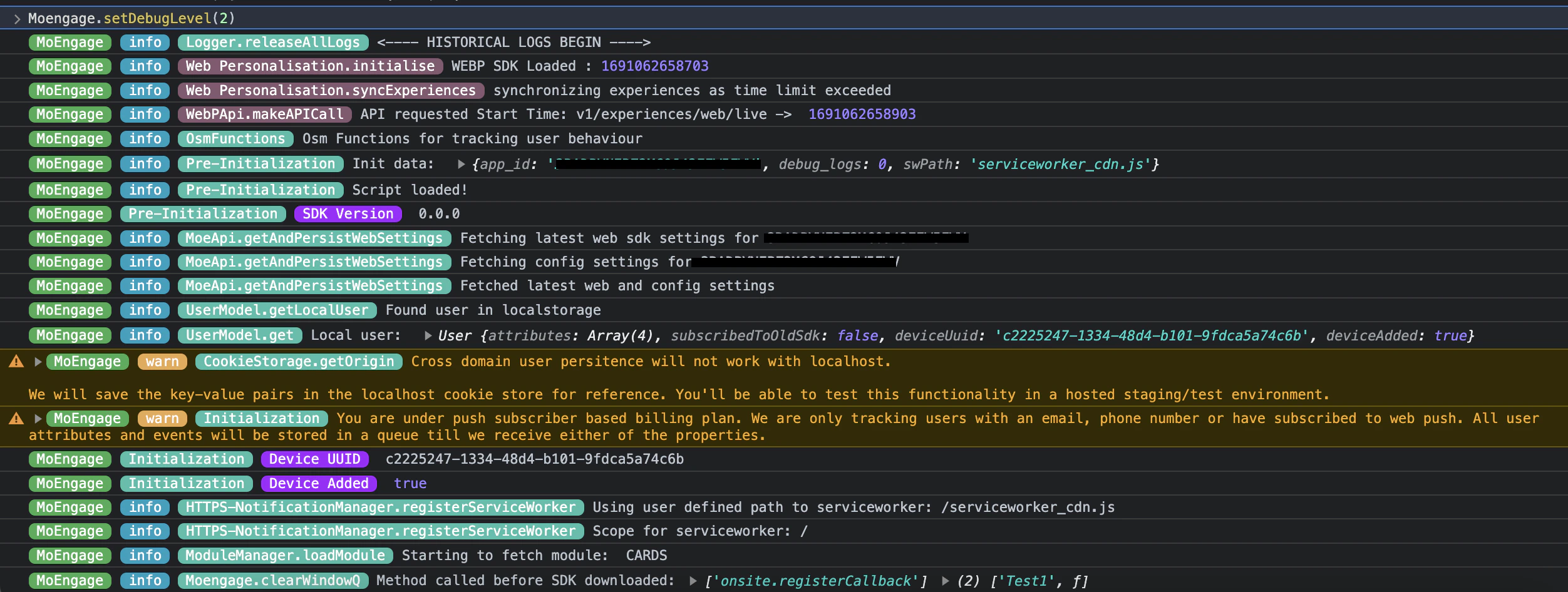
The SDK logs a wealth of useful information in debug mode. This mode is automatically activated when loading the SDK in a Test environment. However, to view these logs in a Live environment, enter the following command in the Console section of your browser’s developer tools:Documentation Index
Fetch the complete documentation index at: https://moengage-getz-tagging-workspace-status.mintlify.app/llms.txt
Use this file to discover all available pages before exploring further.
Multiple Integrations
The SDK may behave unexpectedly if it is added to your website more than once. If this occurs, and debug mode is enabled, you will see the following error message in the browser console:MoEngage Web SDK initialised multiple times. Please integrate the Web SDK only once!
This error message will only appear if you are using the latest SDK integration code as specified in the documentation.