

To test whether your Connector has been configured properly, you can use Beeceptor or similar tools. Beeceptor gives you a URL that accepts events and allows you to see the events and payloads that MoEngage sends. To test your connector configuration, do the following:Documentation Index
Fetch the complete documentation index at: https://moengage-getz-tagging-workspace-status.mintlify.app/llms.txt
Use this file to discover all available pages before exploring further.
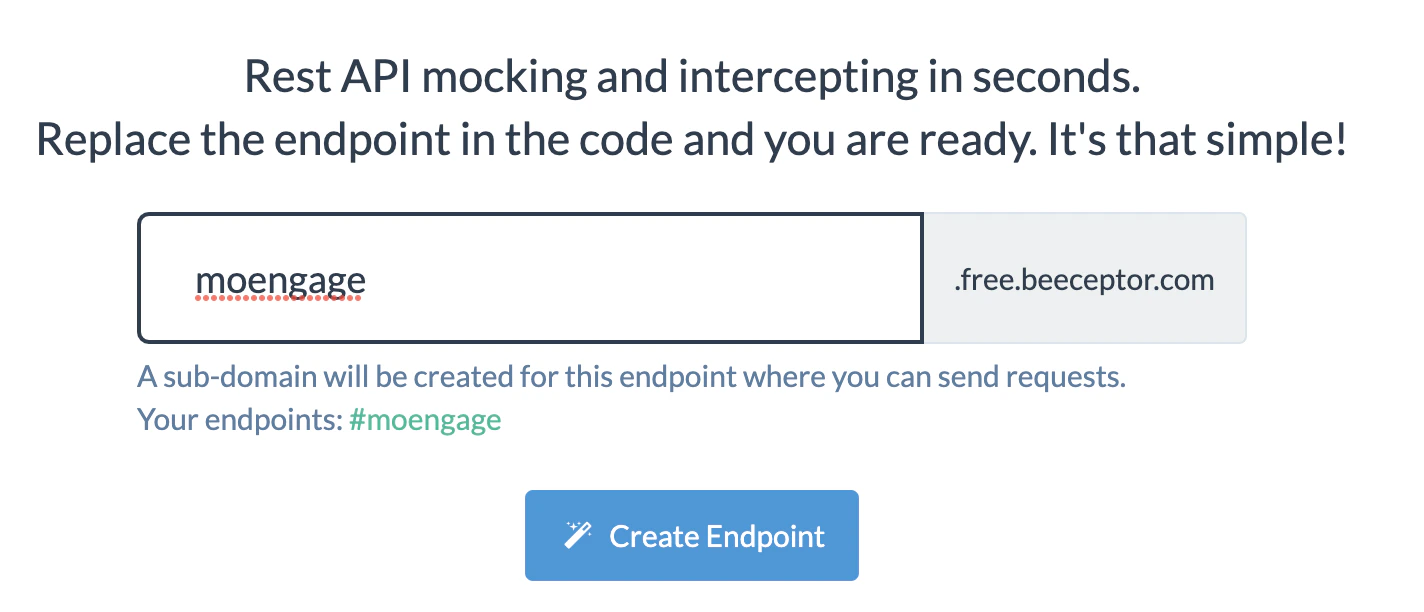
- Go to Beeceptor.com, add your subdomain, and click Create Endpoint.
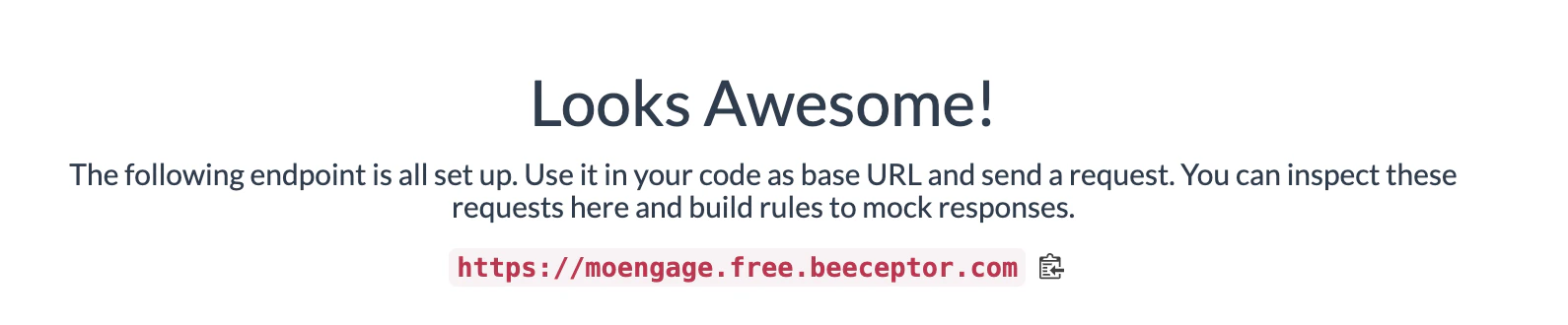
- Copy the Endpoint/URL
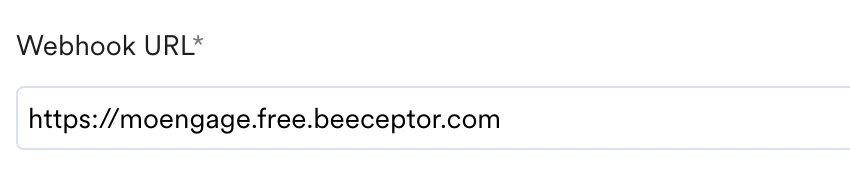
- Create the connector campaign and paste this URL in place of the Webhook URL.
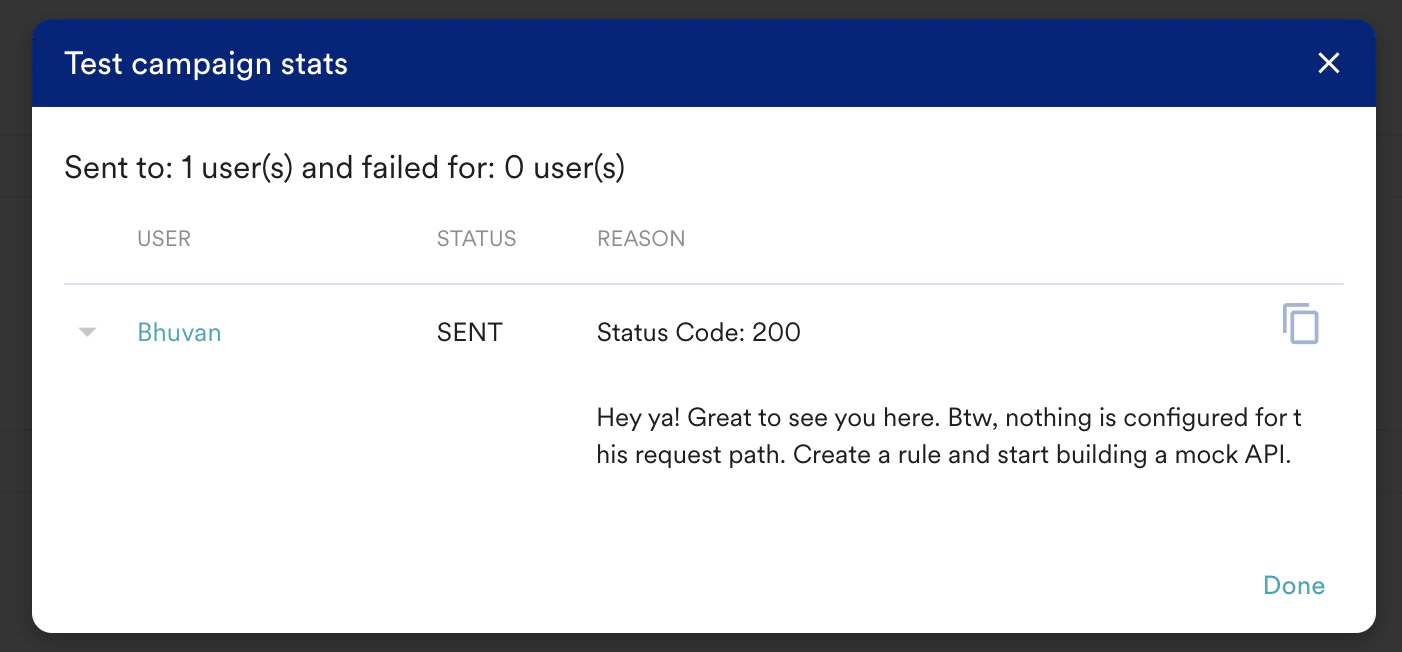
- Create the request with the parameters you want to test. MoEngage will show if the request was successful.
- As soon as the request is triggered, you should be able to see the complete report in Beeceptor against your end-point.

- Click to expand and view the complete request.
