

You should test campaign messages to ensure they appear as expected on various devices. Message previews in the MoEngage Dashboard might not always match how they look on an actual device because of the many different devices available. The Test Campaign feature helps you test In-App messages on the devices you choose.Documentation Index
Fetch the complete documentation index at: https://moengage-getz-tagging-workspace-status.mintlify.app/llms.txt
Use this file to discover all available pages before exploring further.
Find the Test Campaign Feature
In-App Nativ Version 3
If you use In-App Nativ Version 3, you can find the Test Campaign feature in Step 2 of campaign creation after you define your In-App message.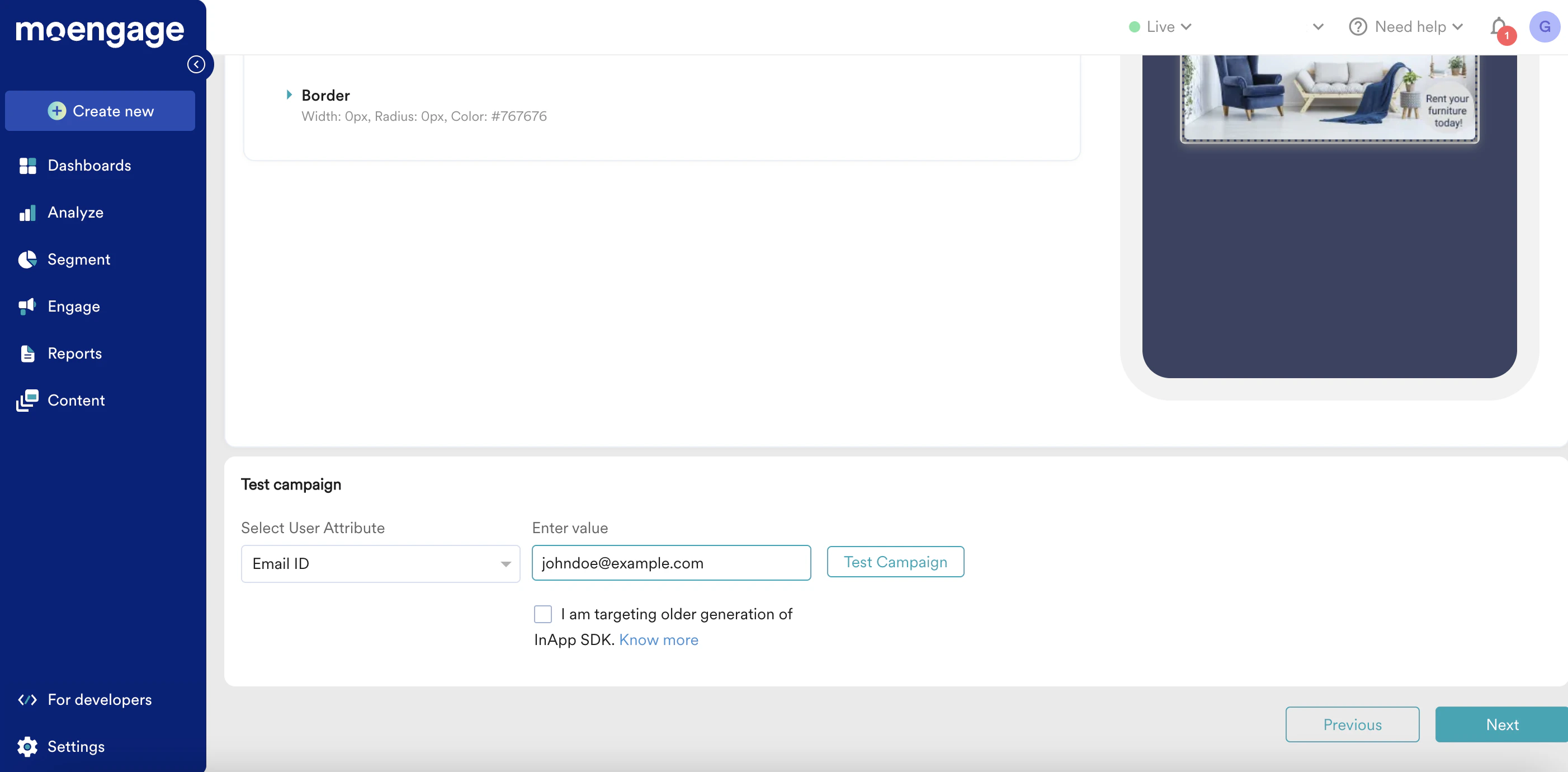
In-App Nativ Version 2
For In-App Nativ Version 2, the Test Campaign feature is available on the last step of campaign creation, before you publish the campaign. This applies to both general and event-triggered In-App messages.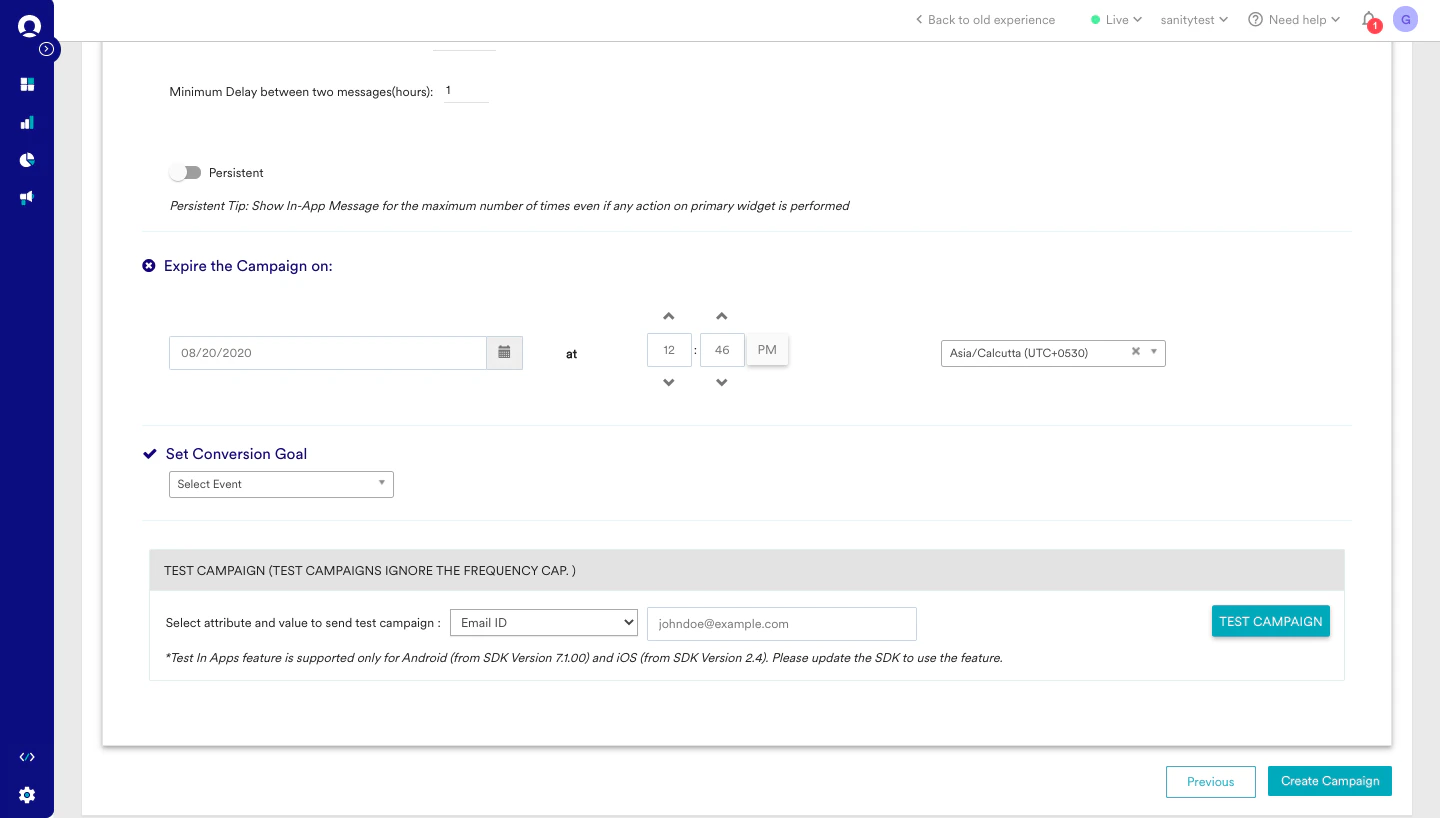
How to Test Your In-App Message
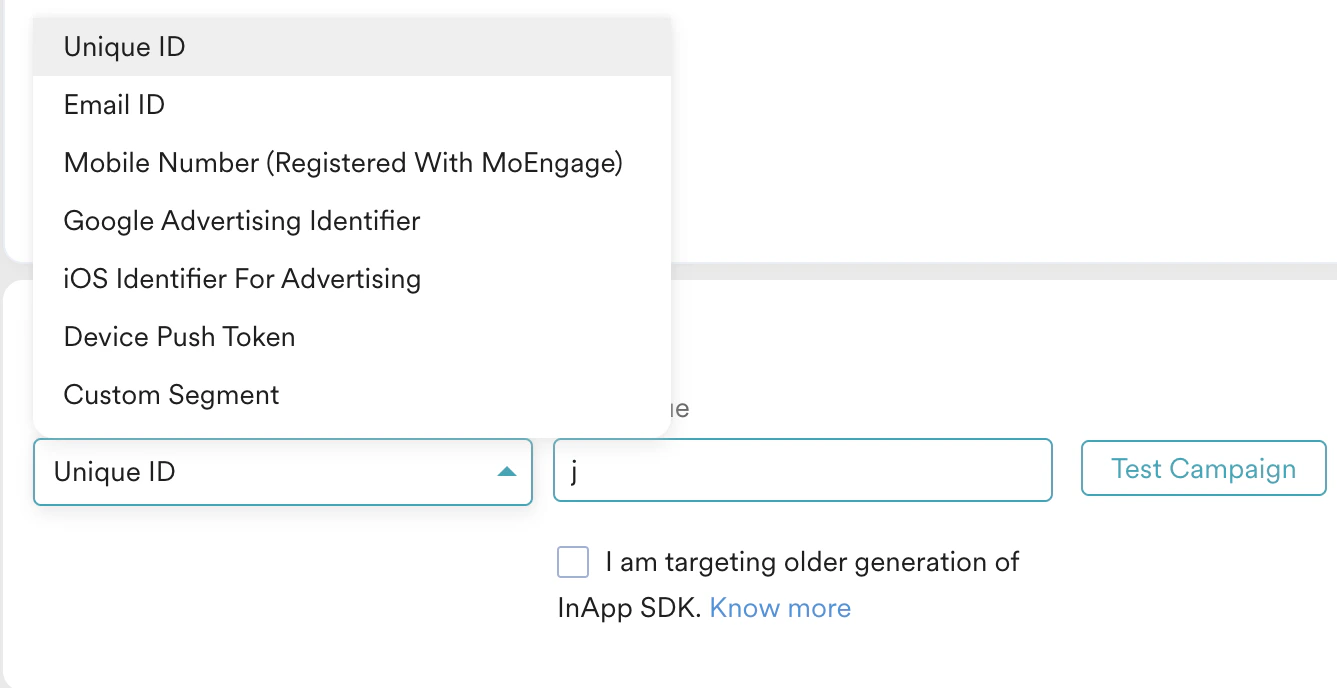
The Test Campaign feature lets you see your In-App messages on your app and test key functions like animations and on-click actions. To receive an In-App message on your device before activating the campaign for your live users:- Navigate to the Preview in-app section during campaign creation.
- Select an attribute to identify your test user, as shown below.
| If MoEngage cannot identify the user with the selected attribute and value, the following error message appears: |  |
| If MoEngage successfully identifies the user, the following confirmation message appears: |  |


MoEngage sends this push notification only for test campaigns. Your live campaign users see the In-App message directly after they meet the campaign criteria and perform the trigger action.
Troubleshooting Common Test Campaign Issues
In-App Nativ Version 2
If you use In-App Nativ Version 2 (older version), you might experience intermittent issues where the In-App message does not appear in your app after you tap the push notification. This known issue occurs due to custom redirection that you implemented within your app. To fix this, update your SDK to the current version so you can use the Test Campaign feature seamlessly.In-App Nativ Version 3
| With In-App Nativ Version 3, if you target older In-App SDK versions (Android SDK earlier than 10.0.0 and iOS SDK earlier than 6.0.0), select the checkbox for this option as shown below: | 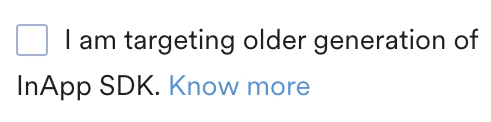 |