

This article explains iOS Push Notifications Integration validation manually in a stepwise manner.Documentation Index
Fetch the complete documentation index at: https://moengage-getz-tagging-workspace-status.mintlify.app/llms.txt
Use this file to discover all available pages before exploring further.
What is to be validated?
To make sure Push notifications are working properly on the device. Please ensure that the .pem/.p8 files are uploaded to the MoEngage Dashboard before proceeding with the validation.How to validate?
1. Push Token Generation
- On your profile page, the IOS push icon has to be green.
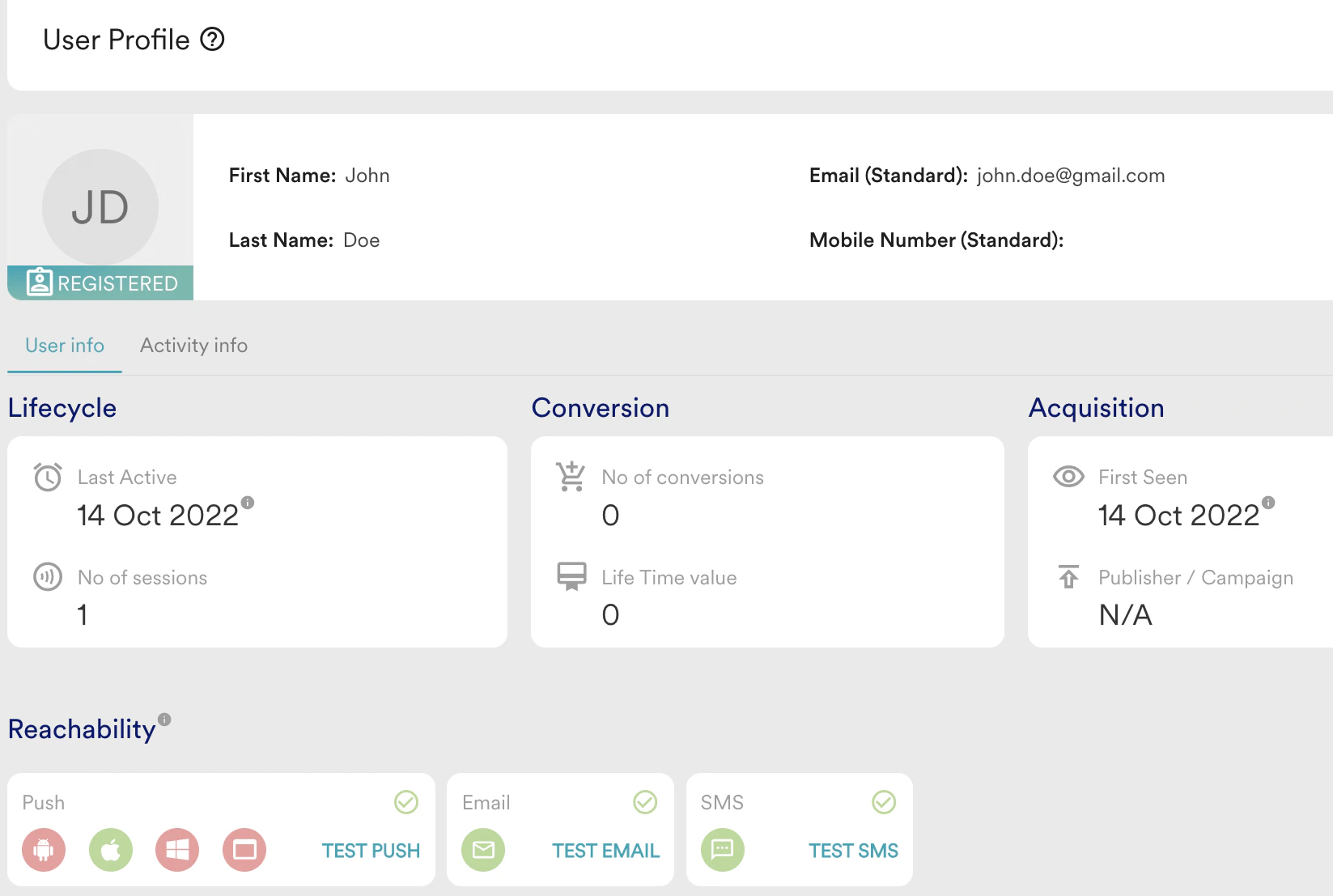
- Push notification received on the device
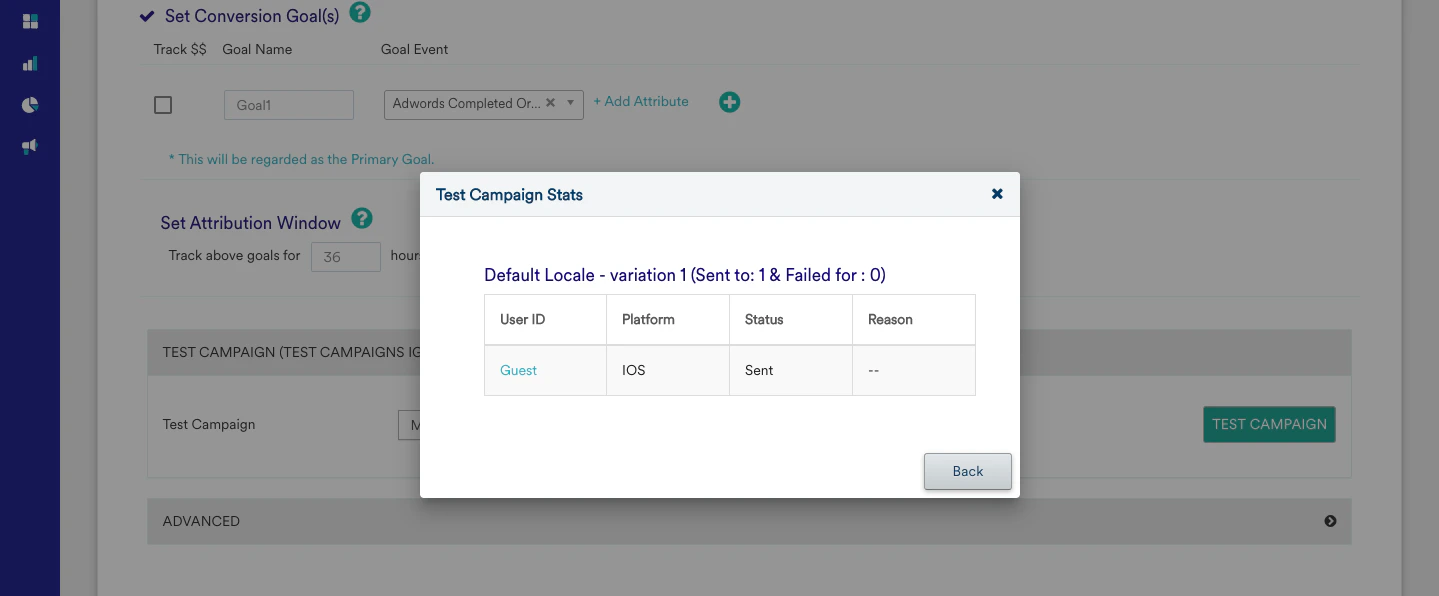
- Create a general Push campaign on the Dashboard for your device.
- Test the notification from the test option at the 3rd stage of creation.
- If you get a successful response, create a campaign. If the test has failed, check for the failure reasons.
- Check for the icon to be visible on the push notification on your device.
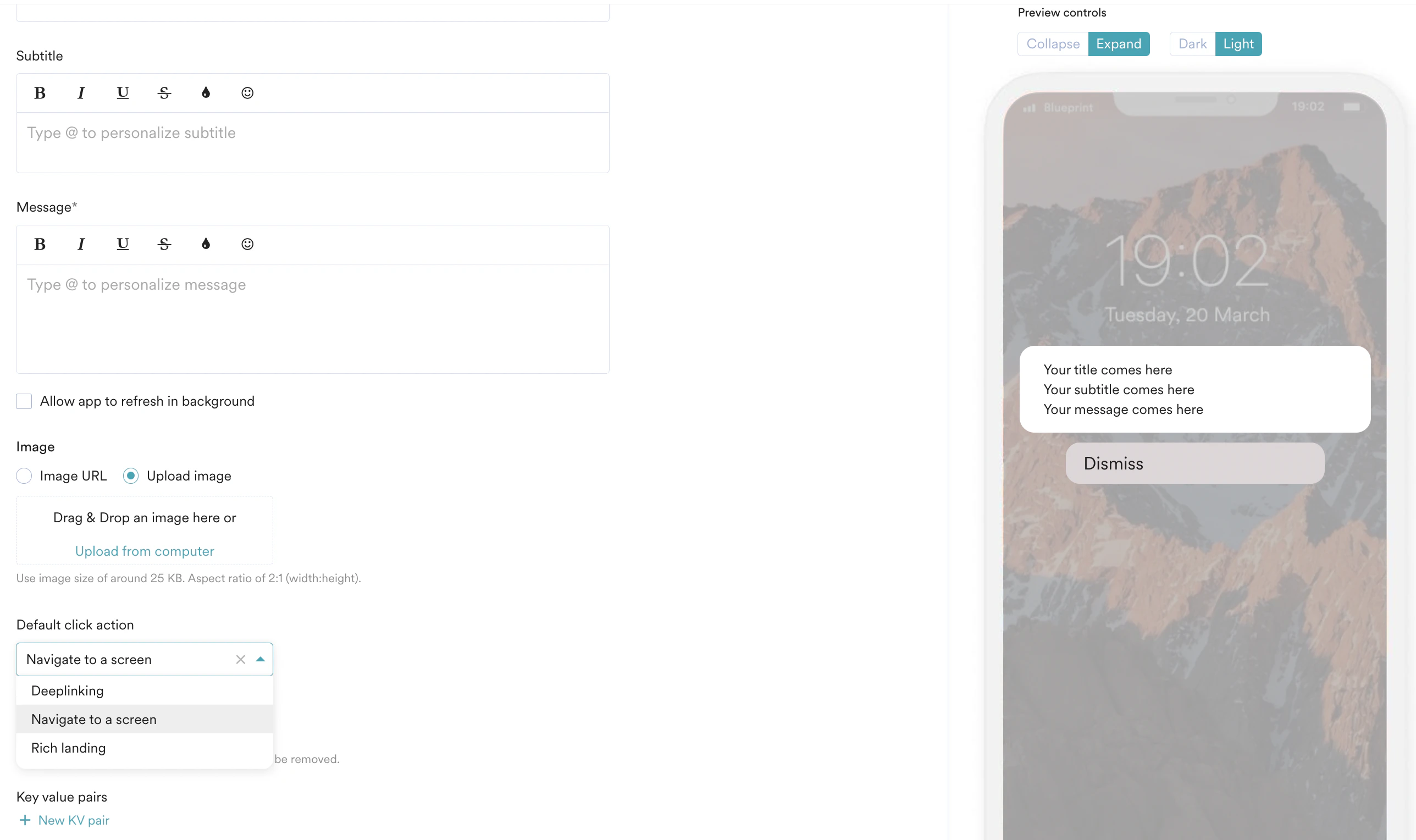
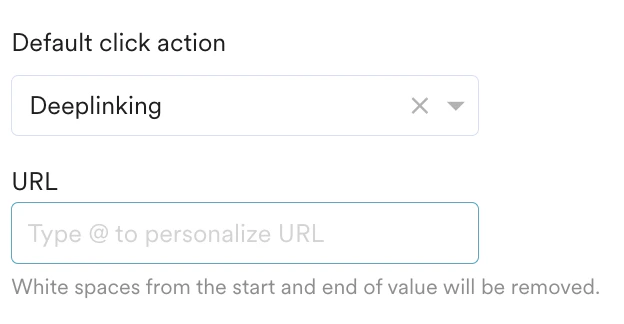
- Notification Redirection
- Navigate to a screen
- Deeplinking
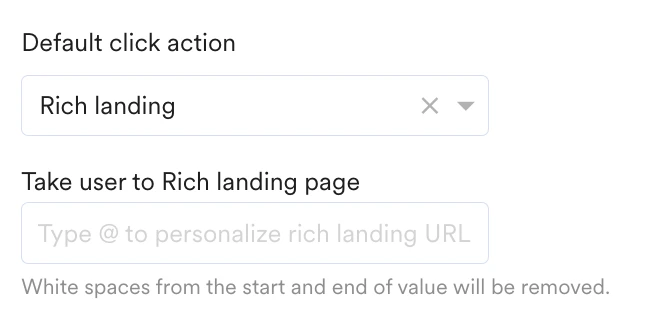
- Rich landing

- Notification stats
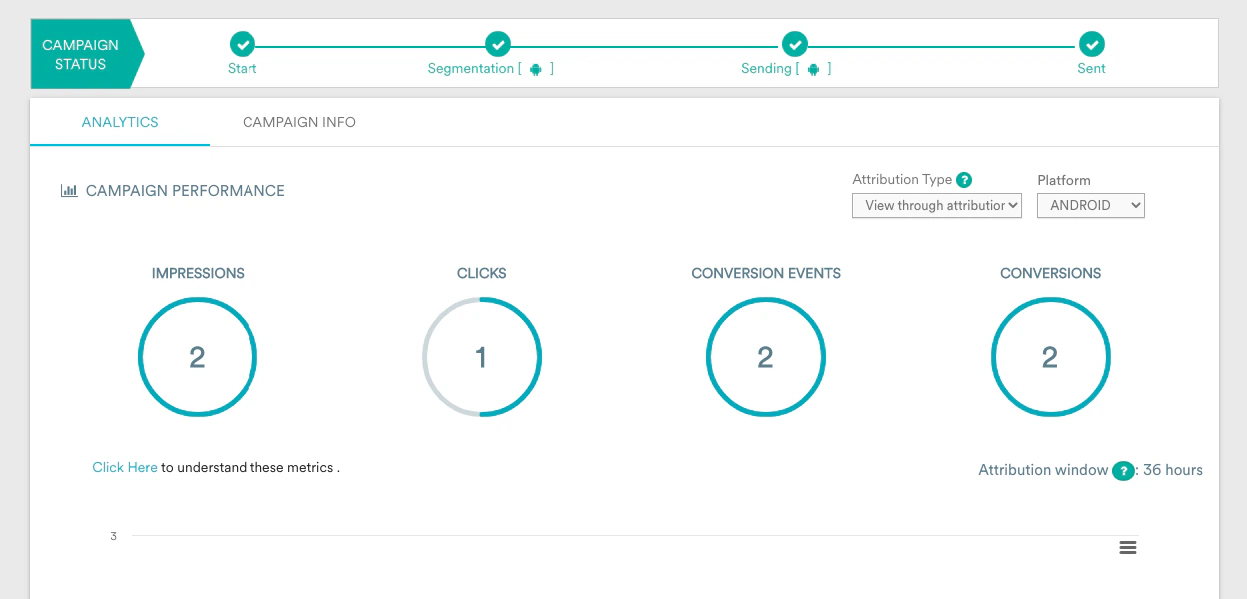
- Once the campaign is sent out, the campaign stats should show the impressions and clicks.
Success Criteria
- A push token has to be generated for the users.
- Notifications should be displayed correctly.
- The redirection(3 different types) should work as expected.
- The Impressions and clicks have to be captured.
- In case of rich notifications(if present), check for the image rendering, notification sound, buttons, their redirections, and so on.
Potential issues and Solutions
- A push token has to be generated for the users. To fix Push Token-related issues, please check iOS docs.
- Notification should be displayed correctly.
- The redirection(3 different types) should work as expected.
- The Impressions and clicks have to be captured. To fix the Impression, or click-related issue, please check iOS docs.
- In case of rich notifications(if present), check for the image rendering, notification sound, buttons, their redirections, and so on. To fix the Rich Push-related issue, please check the iOS docs.
- Note - By default iOS impression tracking was not present in the earlier version but from iOS 10, this can be integrated using Notification Service extension capabilities.