

The Personalize editor allows you to drag and drop the elements to the desired position on the application. For example, you may want to rearrange the elements on the top navigation bar.Documentation Index
Fetch the complete documentation index at: https://moengage-getz-tagging-workspace-status.mintlify.app/llms.txt
Use this file to discover all available pages before exploring further.
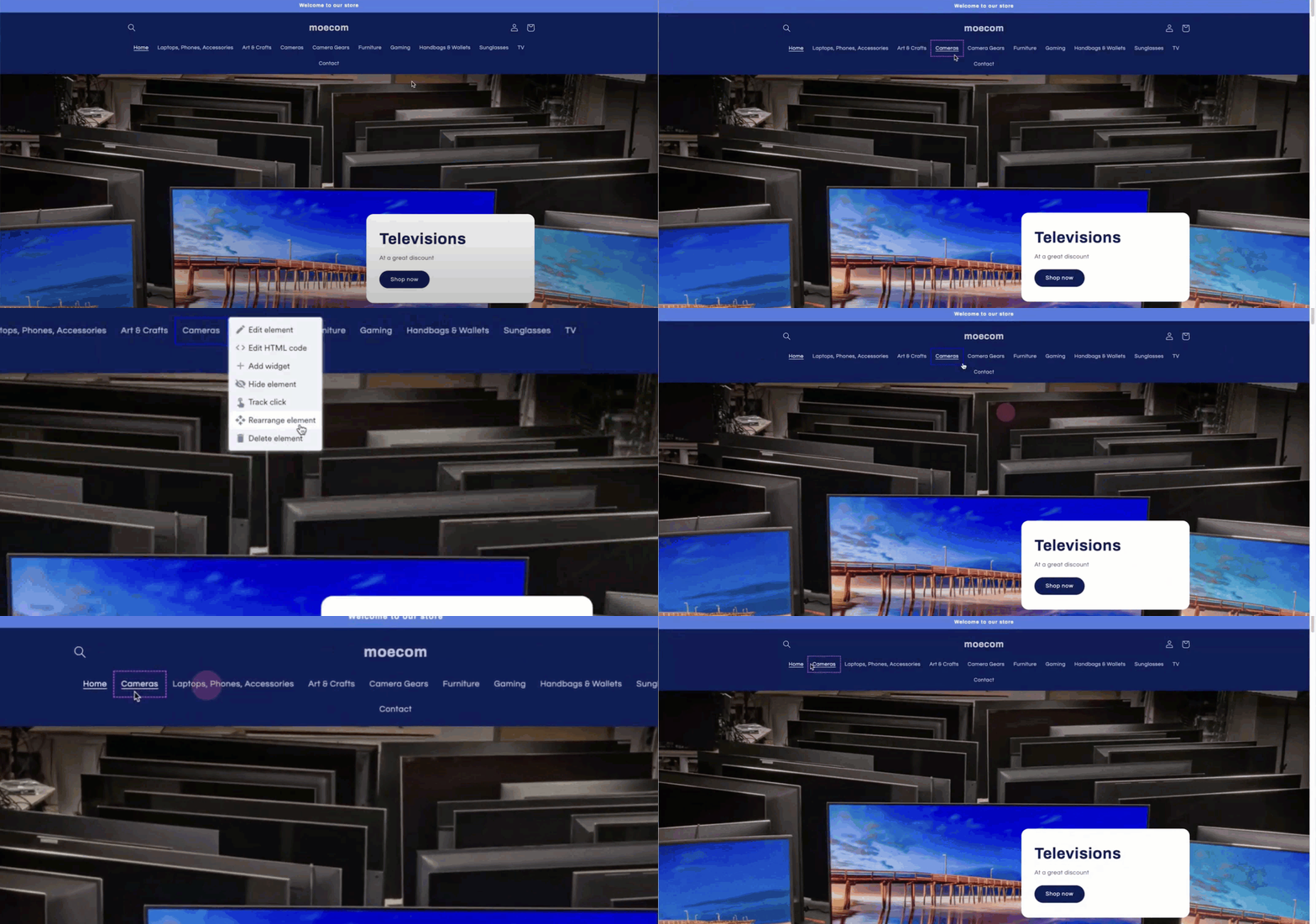
- Click the element that needs rearrangement.
- Select Rearrange Element from the Personalize editor.
- Drag and drop the element to the desired position on the application.
- Select **Save changes **to confirm the rearrangement or Discard changes if you’re unsure.