

In this article, we will learn how to easily configure server-side personalization on your MoEngage Dashboard through the APIs settings page.Documentation Index
Fetch the complete documentation index at: https://moengage-getz-tagging-workspace-status.mintlify.app/llms.txt
Use this file to discover all available pages before exploring further.
API Settings
To access the API settings, navigate to MoEngage Dashboard -> Settings -> APIs.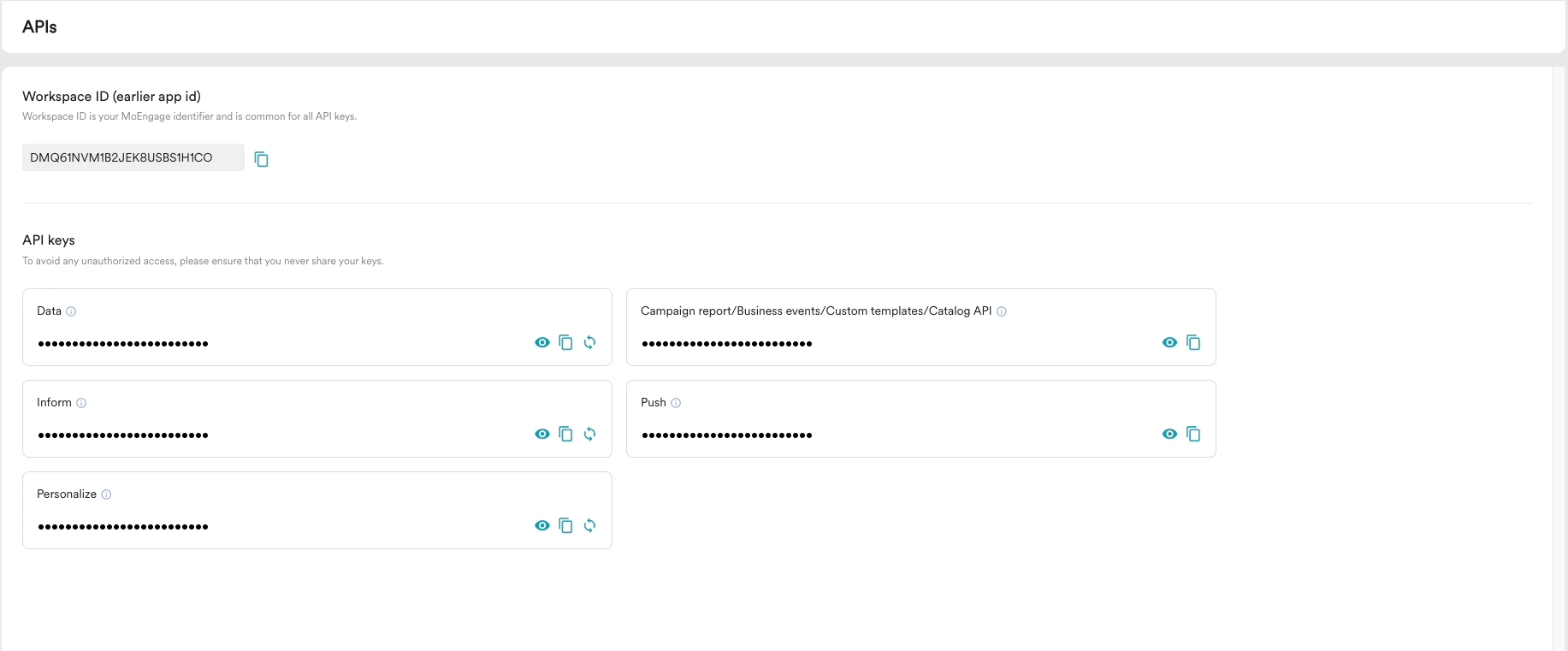
- Workspace ID - When you create an account in MoEngage, you will be assigned a unique identifier called the Workspace ID. This value will be used for identifying your account and authenticating it.
- API SECRET- API SECRET is the authentication key provided along with your Workspace ID. You can regenerate the API SECRET by clicking on the Regenerate API Secret icon.